 AitJaz
Best speech to text software in 2026: 7 apps compared on the same criteria
The best speech to text software depends on two things: whether your voice may leave your computer, and whether you dictate live or transcribe recordings. For offline dictation and file transcription in one Windows app with a one-time price, we suggest AitJaz, which is our own product. For cloud dictation on every device, look at Wispr Flow. For meeting notes in the cloud, Otter.ai. For a free offline option, Buzz (files) or Handy (dictation). Below are 7 apps compared on the same criteria, with facts checked on their official pages in November 2026.
Disclosure: AitJaz is our product. I’m Nurbek Rakhmetov, the founder of AitJaz. We tried to judge every app on the same criteria, and every fact about other apps comes from their official website or documentation, with the date we checked it. Prices and features change, so check the official page before you buy.
Which speech to text software should you choose?
- Offline dictation and file transcription on Windows, low one-time price: AitJaz (our product).
- Professional dictation with voice commands on Windows: Dragon Professional.
- Cloud dictation on Mac, Windows, iPhone and Android: Wispr Flow.
- Mac and Windows with a choice of local or cloud models: Superwhisper.
- Meeting notes and shared transcripts in the cloud: Otter.ai.
- Free, open-source transcription of audio and video files: Buzz.
- Free, open-source live dictation: Handy.
How we compared the apps
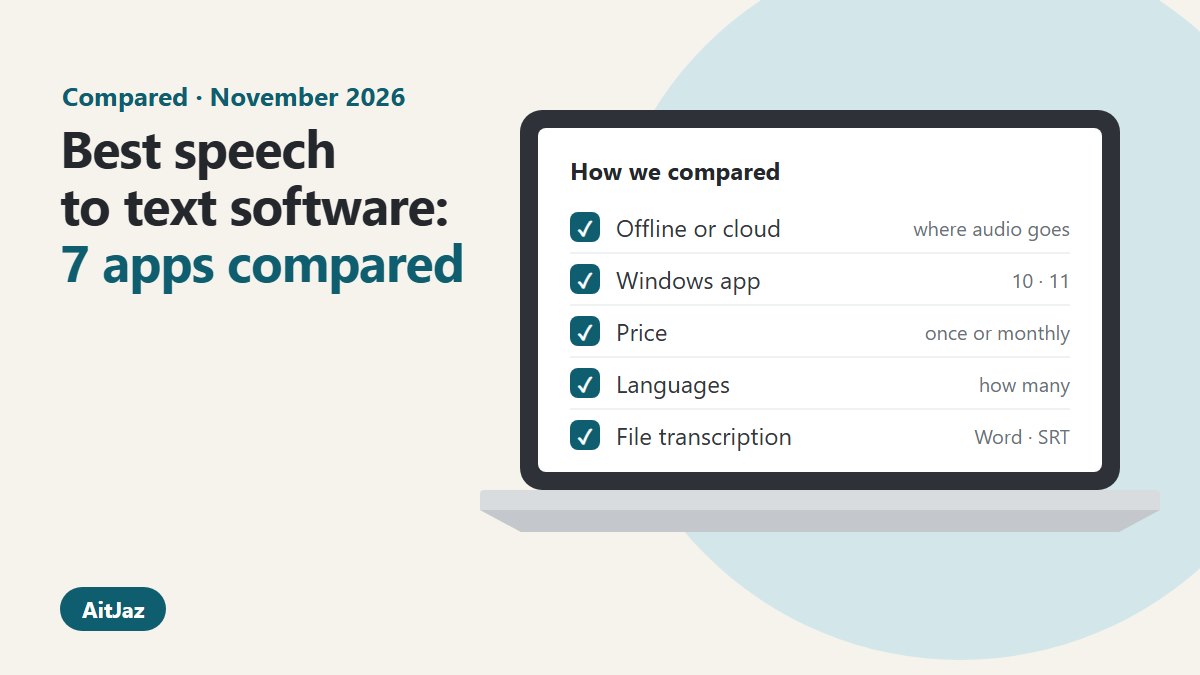
We applied six criteria to every app, in the same order:
- Where speech is recognized: on your computer (offline) or on a server (cloud). This decides whether your audio leaves the PC and whether the app works without internet.
- Windows support: is there a desktop app for Windows 10 and 11.
- Price and payment model: free, subscription or one-time purchase.
- Languages: how many the developer lists.
- File transcription: can the app turn an existing audio or video recording into text, and in which formats.
- Privacy: what the developer says about where audio goes.
We did not measure accuracy. It depends on the microphone, the language, the speaker and the model the app uses, and a fair test across seven apps would need the same recordings on the same computer. Most apps here have a free plan or a trial, so you can test accuracy on your own voice.
Comparison table
Facts as of November 9, 2026, from each developer’s official pages; the Dragon price is from a US retailer (links in Sources).
| App | Recognition | Windows | Price | Languages | File transcription |
|---|---|---|---|---|---|
| AitJaz (ours) | On your PC by default; cloud optional with your own API key | Yes (Windows only) | $20 one-time, 2 PCs; 7-day free trial | 18 | Yes: Word, PDF, TXT, SRT, VTT, speaker labels |
| Dragon Professional | On your PC (locally installed) | Yes (Windows 10 and 11) | Not listed by Nuance; US retailers list about $699, one-time | Not listed on the product page | Yes, recordings of one speaker; batch folder |
| Wispr Flow | Cloud; internet required | Yes | Free: 2,000 words a week; Pro $15/month or $12/month yearly | 100+ | Not listed |
| Superwhisper | Local models or cloud models | Yes | Free plan; Pro $8.49/month, $84.99/year or $249.99 once | 100+ | Yes, on Pro |
| Otter.ai | Cloud | Yes (desktop app) | Free: 300 min/month; Pro from $8.33/month yearly | 6 | Yes: 3 imports on Free, 10 a month on Pro |
| Buzz | On your PC (Whisper) | Yes | Free, open source (MIT) | Not listed in README | Yes: files and YouTube links; TXT, SRT, VTT; speaker identification |
| Handy | On your PC (Whisper, Parakeet) | Yes | Free, open source (MIT) | Not listed in README | Not listed (live dictation) |
AitJaz: offline dictation and transcription for Windows (our product)
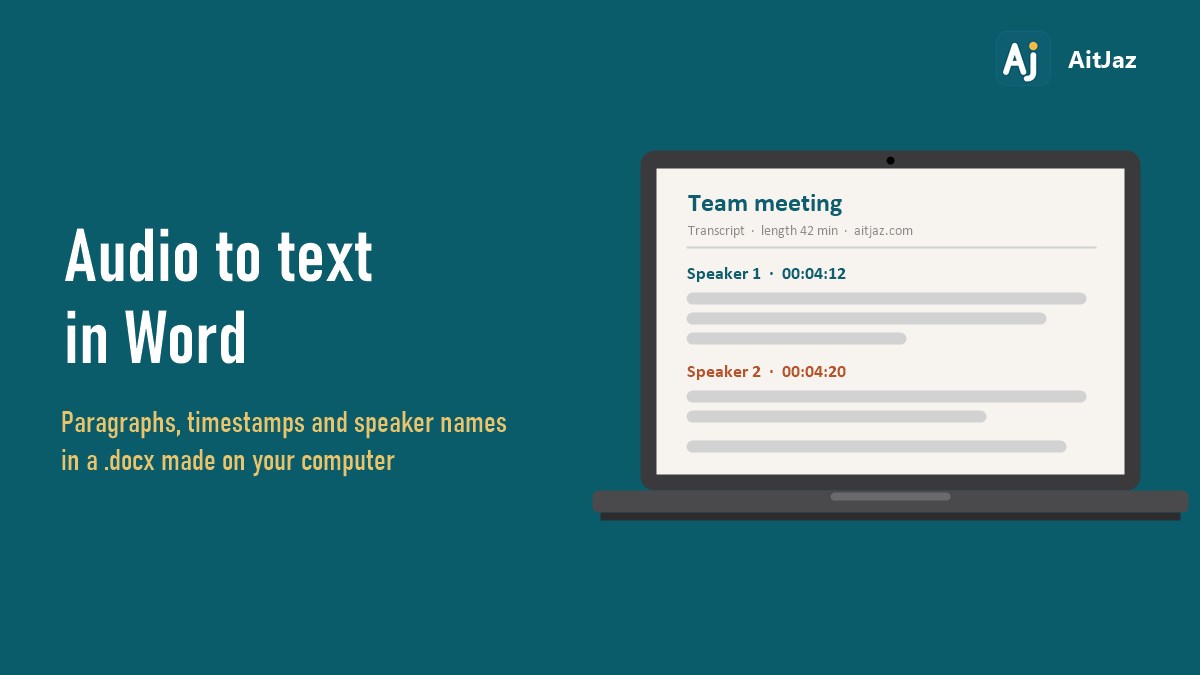
AitJaz does two jobs in one Windows app. For dictation, you hold Right Ctrl, speak and let go, and text with punctuation appears in whatever app has the cursor: email, Word, a browser, a chat. For transcription, you pick an audio or video file and get a Word document, PDF, plain text or subtitles (.srt, .vtt). It can label speakers (Speaker 1, Speaker 2, from 2 to 6 people, or Auto), and recordings can be any length. It can also record a Zoom, Teams or Google Meet call from your computer’s sound and transcribe it.
By default, speech is recognized on your computer, so after setup it works without internet and the audio stays on the PC. If you prefer a cloud service, you can enter your own API key from OpenAI, Google Gemini, Groq, OpenRouter, Together AI or Mistral. In that mode the audio goes to the service you chose, and you pay that service directly.
- Good for: people who want dictation and transcription together on Windows, without a subscription. Also people who dictate in Kazakh, Uzbek or Kyrgyz: AitJaz uses dedicated models for these languages, plus Russian.
- Keep in mind: Windows 10 and 11 (64-bit) only, no Mac version. 18 languages, fewer than apps that list 100+. It writes word-for-word transcripts but no meeting summaries, and it transcribes one file at a time.
- Price: $20 once for a lifetime license on 2 computers. 7-day free trial with every feature, no account and no card. 14-day refund.
More about file transcription: Audio & video to text. More about dictation: AitJaz for Windows.
Dragon Professional: dictation with voice commands on Windows
Dragon Professional is a Windows dictation program by Nuance. The product page says it is optimized for Windows 11 and backwards compatible with Windows 10. Its v16 data sheet describes locally installed Dragon on Windows and lists an internet connection for product download and activation. It can transcribe recordings of a single speaker, and the Auto Transcribe Folder Agent handles batches of recordings.
- Good for: people who control the computer by voice and want to automate repeated steps with voice commands, and organizations that need volume licensing.
- Keep in mind: Windows only. Nuance does not show a price on the product page; it has a Contact us button. Large US retailers list the single-user download at about $699.
Wispr Flow: cloud dictation on every device
Wispr Flow works on Mac, Windows, iPhone and Android, and lists more than 100 dictation languages. Its help center says an internet connection is required for transcription: recognition happens in the cloud. Wispr says that with cloud storage turned off, audio is discarded after transcription, and you can opt out of model training.
- Good for: people who move between a computer and a phone and want the same dictation everywhere, with a free plan to start.
- Keep in mind: needs internet. The free plan on Mac and Windows is 2,000 words a week. Pro costs $15 per user per month, or $12 a month billed yearly.
Superwhisper: local or cloud models on Mac and Windows
Superwhisper offers downloads for macOS, Windows, iOS and Android. Its website says it works offline and lists more than 100 languages. The free plan includes unlimited use of local Whisper models. Pro adds cloud models and transcription of audio and video files. Meetings is a macOS-only feature.
- Good for: people who use both Mac and Windows and want to choose between local and cloud models.
- Keep in mind: file transcription is a Pro feature. The pricing section shows monthly, yearly and lifetime billing; at the time of checking, Pro started at $8.49 a month.
Otter.ai: meeting notes in the cloud
Otter.ai is an online service for meetings. It works in the browser, as desktop apps for Mac and Windows, on iOS and Android, and connects to Zoom, Microsoft Teams and Google Meet. The pricing page lists transcription in English, Spanish, French, German, Japanese and Chinese.
- Good for: teams that want meeting transcripts shared in one workspace.
- Keep in mind: recognition runs in the cloud. The free Basic plan has 300 minutes a month, 30 minutes per conversation and 3 file imports in total. Pro lists at $16.99 a month, or $8.33 a month billed yearly (discounts are sometimes shown), and allows 10 file imports a month.
Buzz: free offline transcription of files
Buzz is a free, open-source app (MIT license) that transcribes and translates audio offline, on your own computer, with OpenAI’s Whisper models. According to its README, it handles audio and video files and YouTube links, live transcription from a microphone and speaker identification, and exports TXT, SRT and VTT. It runs on Windows, Linux and macOS (Apple silicon).
- Good for: people who need to transcribe recordings and subtitles for free and are comfortable choosing Whisper models themselves.
- Keep in mind: it is built for transcription. It does not type into other apps the way a dictation tool does.
Handy: free offline dictation
Handy is a free, open-source dictation app (MIT license) for Windows, macOS and Linux. You press a shortcut, speak, and the text is pasted into the active app. The README says this “happens on your own computer without sending any information to the cloud”. It uses Whisper models or Parakeet V3, which the developer describes as optimized for the processor.
- Good for: people who want free local dictation and like open-source software.
- Keep in mind: the README describes live dictation only; transcription of existing files is not listed.
How to choose in three questions
- May your audio leave the computer? If not, stay with apps that recognize speech on your PC: AitJaz, Dragon Professional, Buzz, Handy, or Superwhisper with local models. If cloud is fine, Wispr Flow and Otter.ai are also options.
- Do you dictate or transcribe? For typing by voice into other apps, look at AitJaz, Dragon Professional, Wispr Flow, Superwhisper and Handy. For turning recordings into documents and subtitles, look at AitJaz, Buzz, Otter.ai, Dragon Professional and Superwhisper Pro.
- Subscription or one-time? One-time: AitJaz ($20), Dragon Professional, and Superwhisper’s lifetime Pro license. Subscriptions with free plans: Wispr Flow, Superwhisper, Otter.ai. Free and open source: Buzz and Handy.
For a closer look at working without internet, see Offline dictation software for Windows. For meeting recordings with speaker labels, see Audio to text with speaker separation.
FAQ
What is the best speech to text software for Windows?
It depends on your task. For offline dictation and file transcription with a low one-time price, AitJaz (our product). For voice commands and corporate deployment, Dragon Professional. For cloud dictation across devices, Wispr Flow. For free options, Buzz for files and Handy for dictation.
Is there speech to text software that works offline?
Yes. AitJaz, Buzz and Handy recognize speech on your computer. Dragon Professional describes local recognition, and Superwhisper offers local models. Wispr Flow and Otter.ai work in the cloud and need internet.
Is there free speech to text software?
Buzz and Handy are free and open source. Wispr Flow, Superwhisper and Otter.ai have free plans with limits. AitJaz has a 7-day free trial with every feature, then costs $20 once.
Which apps can transcribe audio files, not only dictate?
AitJaz, Buzz, Otter.ai, Dragon Professional (recordings of one speaker) and Superwhisper on the Pro plan. AitJaz and Buzz export subtitles; AitJaz also saves Word and PDF with speaker labels.
Why did you put AitJaz first?
Only for one criterion: offline dictation and file transcription in one Windows app for a low one-time price ($20). On other criteria, such as Mac support, the number of languages or free use, other apps in this list fit better, and we say so above. AitJaz is our product.
How did you check the facts?
We read each developer’s official website, pricing page, help center or README on November 9, 2026. Dragon Professional has no price on the Nuance page, so the price comes from US retail listings. Prices and plans change, so please check before buying.
Sources (checked November 9, 2026)
- AitJaz: aitjaz.com/en, aitjaz.com/en/audio-to-text.
- Dragon Professional: dragon.nuance.com: Dragon Professional; Dragon Professional v16 data sheet (PDF); price: Staples listing.
- Wispr Flow: wisprflow.ai/pricing; help center: What is Flow; help center: Flow plans; data controls.
- Superwhisper: superwhisper.com.
- Otter.ai: otter.ai/pricing.
- Buzz: github.com/chidiwilliams/buzz.
- Handy: handy.computer, github.com/cjpais/Handy.
AitJaz is our product. We tried to rate every app honestly and on the same criteria. If you see an outdated fact about any app here, write to info@aitjaz.com and we will correct it.
One familiar tool instead of many
Every app does things its own way: a different button here, different settings there, and every time you have to remember how to turn it on and how to use it. AitJaz works one way everywhere: hold Right Ctrl, speak, let go, and the text appears where your cursor is. It's the same in messengers, email, documents, your browser and AI chats, so you only learn it once.