 AitJaz
Offline dictation software for Windows: private voice typing for professionals
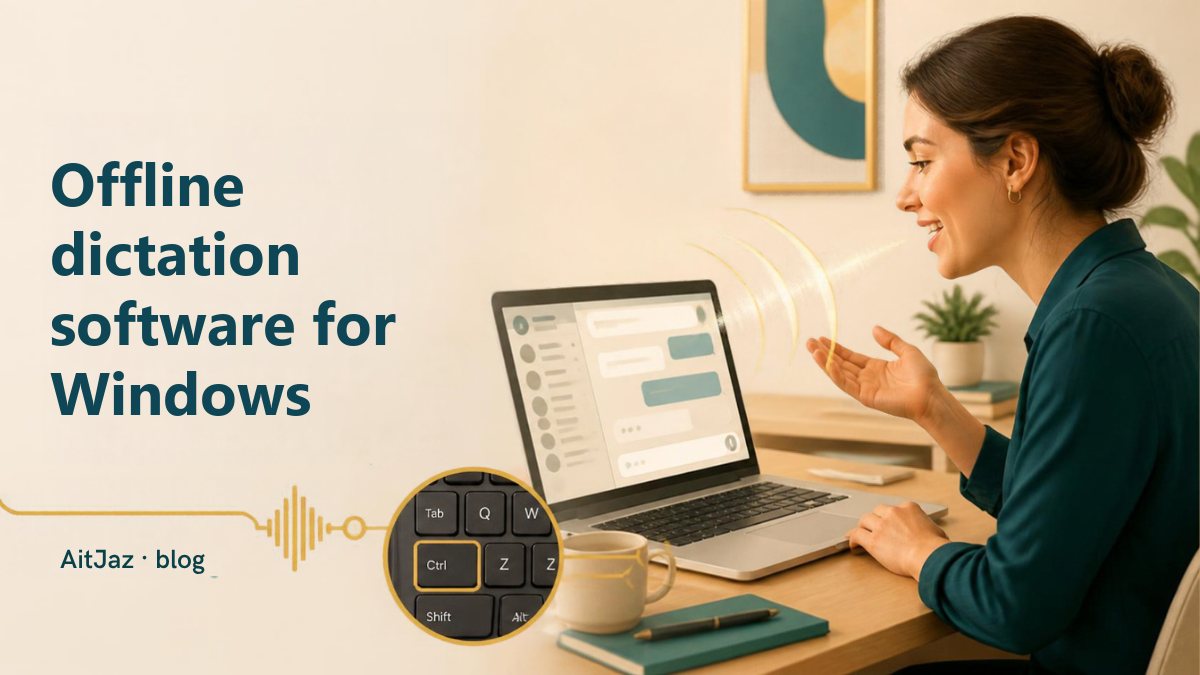
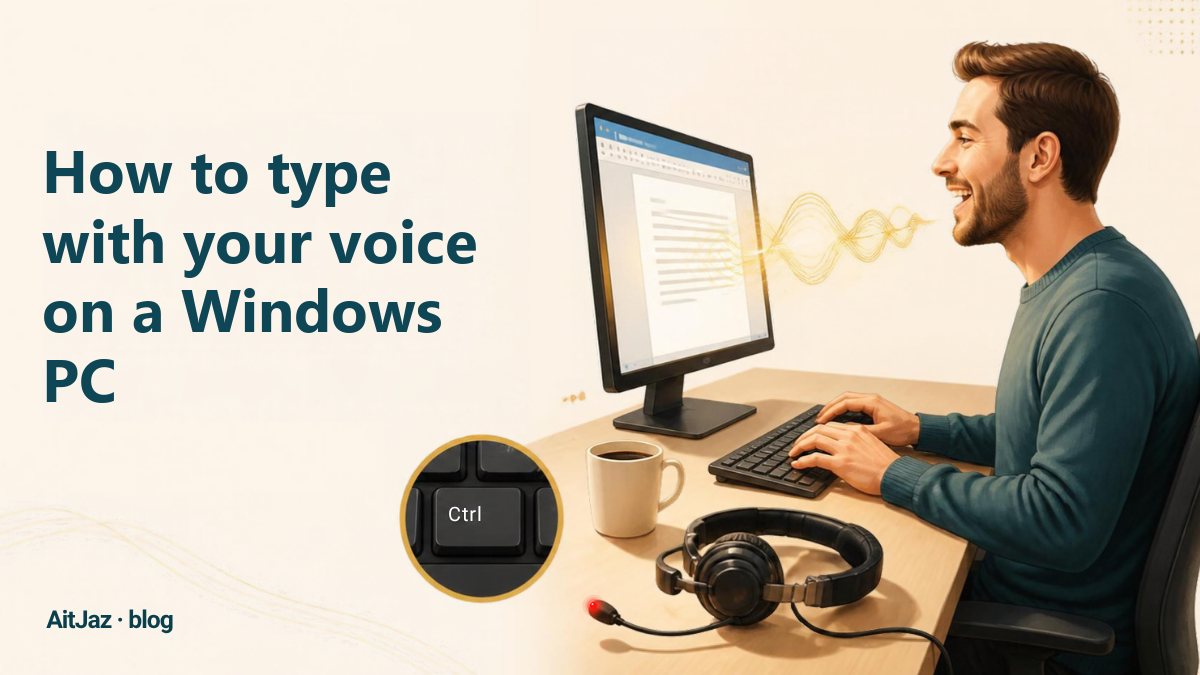
Offline dictation software turns your speech into text directly on your computer, so no audio is sent to any server. AitJaz is a voice typing app for Windows 10 and 11 that works this way by default: hold Right Ctrl, speak, let go, and punctuated text appears in any app. After installation it needs no internet connection at all, unless you turn on the optional cloud mode.
What offline dictation gives you
Lawyers, doctors, accountants and managers often dictate things that must not leave the office. With offline recognition the recording stays on your computer.
You can dictate anywhere: on a train, in a rural area, in an office with restricted internet access. Text appears just as fast with a good or a bad connection. There is no subscription either: AitJaz is a one-time purchase, $20 for a lifetime license on 2 computers.
How AitJaz works
When you install AitJaz, it downloads a speech recognition model and runs it locally. For English and most other languages this is a universal multilingual speech model; AitJaz tests your PC and picks the most accurate model that runs quickly on it. For Russian, Kazakh, Uzbek and Kyrgyz it uses dedicated models.
- Click into any text field: an email, a document, a CRM note, a chat.
- Hold Right Ctrl and speak. A “listening” indicator appears at the top of the screen.
- Let go, and the text appears with capital letters and punctuation.
Who benefits most
- Lawyers and notaries: contracts, claims, letters to clients. Confidential information stays on the computer.
- Doctors: examination notes and reports, with patient data kept local.
- Engineers and architects: explanatory notes, review comments, correspondence with clients and contractors.
- Teachers: lesson plans, student reports, messages to parents.
- Writers, journalists and students: drafts, notes and essays, dictated as the ideas come.
- Sales and support teams: dozens of messages a day in email, CRM and WhatsApp.
- People for whom typing is hard because of wrist pain, poor eyesight, age, or simply slow typing.
What you need
- A PC or laptop with Windows 10 or 11 (64-bit). No graphics card required.
- A microphone: the built-in mic of a laptop or webcam, or any headset with a microphone.
- Internet only to download the app (222 MB installer) and the speech model.
Speed depends on your computer: on first launch AitJaz measures it and shows how fast dictation will be, so you can check before buying.
Getting the best accuracy
- Speak in complete sentences at a normal pace.
- Keep the microphone 10–20 cm (4–8 in) from your mouth and reduce background noise.
- Add names, product names and professional terms to the Dictionary in settings.
- Dictate long texts paragraph by paragraph and read them before sending.
FAQ
Is there dictation software for Windows that works offline?
Yes. By default, AitJaz recognizes speech on your PC. Once the app and model are downloaded, dictation works without any internet connection.
Where does my voice go?
By default, nowhere. Audio is processed on your computer and discarded. If you turn on cloud recognition with your own API key in settings, audio goes to the service you chose. The developer doesn't receive your recordings or text unless you choose to send a problem report (“Report a problem…”) with your recent phrases attached.
Does it add punctuation automatically?
Yes. Capital letters, commas, periods and question marks are added automatically, so you don't need to say them.
Can I use it on two computers?
Yes, one license covers 2 computers, for example at work and at home.
Is there a free trial?
Yes, 7 days free with no account or card. If you buy and change your mind, there is a 14-day refund.
One familiar tool instead of many
Every app does things its own way: a different button here, different settings there, and every time you have to remember how to turn it on and how to use it. AitJaz works one way everywhere: hold Right Ctrl, speak, let go, and the text appears where your cursor is. It's the same in messengers, email, documents, your browser and AI chats, so you only learn it once.