 AitJaz
How to type by voice in Telegram and WhatsApp on a Windows PC
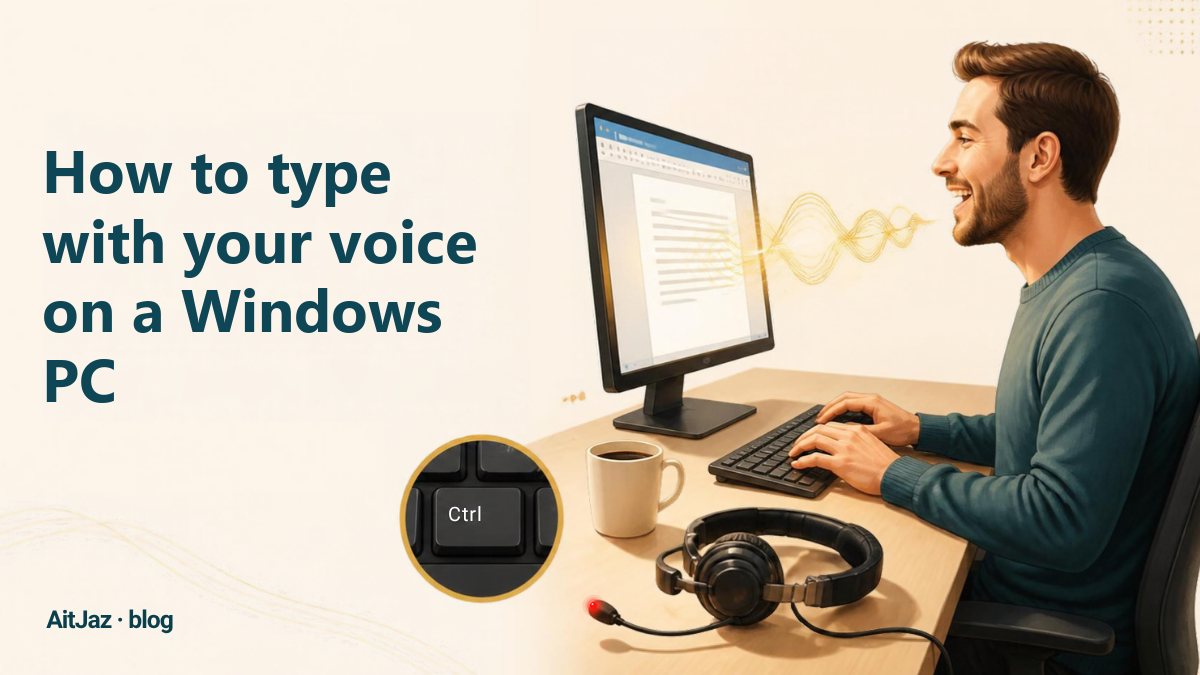
The desktop versions of Telegram and WhatsApp let you record voice messages. To type a text message by voice, you need a voice typing program. With AitJaz, click the message field, hold Right Ctrl, say your message and let go. The text appears in the field with capital letters and commas, and you send it as usual.
Text or voice message: which is better
Voice messages are quick to record, but they are inconvenient for the person receiving them. A text typed by voice combines the advantages of both: you speak, and your contact reads.
| Voice message | Text typed by voice | |
|---|---|---|
| Your time | As long as you talk | The same, plus a few seconds to reread |
| For the recipient | They have to listen, which is awkward in a meeting or on the road | They can read it in a few seconds, anywhere |
| Searching the chat | What was said cannot be found by search | Found by search, like any text |
| Fixing before sending | You can only re-record the whole thing | You can correct a single word |
| Forwarding or copying | Only the whole recording, as audio | You can copy just the part you need |
In work chats with clients, colleagues and managers, text is almost always more appropriate than voice messages.
Can you type by voice in Telegram and WhatsApp on a computer?
The desktop versions of Telegram and WhatsApp let you record voice messages. To dictate text, you need a separate program that turns speech into text and pastes it into the message field.
The same method works outside messengers, for email, documents, the browser and any other window. You can read more in the article How to type with your voice on a Windows PC.
Step by step: voice typing in Telegram on a computer
- Download and install AitJaz. It takes about a minute. The program appears as an icon next to the clock.
- Open Telegram, pick a chat and click the message field.
- Hold Right Ctrl and say your message. A “Listening…” hint appears near the bottom of the screen.
- Let go of the key, and the text appears in the field with capital letters and commas.
- Send the message as usual.
Step by step: voice typing in WhatsApp for Windows and WhatsApp Web
- Open WhatsApp for Windows, or web.whatsapp.com in your browser.
- Pick a chat and click the message field.
- Hold Right Ctrl, say your message, and let go of the key.
- Send the message as usual.
You only need the Right Ctrl key. Nothing has to be set up inside the messenger itself. The browser versions work the same way.
Where else voice typing works
AitJaz types into any field where the cursor blinks, so you can dictate in other programs too:
- messengers: Viber, Slack, Microsoft Teams, Discord;
- email: Outlook, Gmail and other email in the browser;
- social networks and websites: comments, direct messages, forms;
- work programs: Word, Excel, 1C and CRM systems;
- AI chats: ChatGPT, Claude, DeepSeek and Gemini, where a long request is easier to say than to type (more about this).
Lawyers and notaries write to their clients this way, teachers write to parents, designers write to clients, and sales managers write to buyers. The article How to type with your voice on a Windows PC covers who finds this especially useful.
Tips for business messages dictated by voice
- Think first, then speak. Plan the message and say it in one go, so the commas land more accurately.
- One paragraph per press. A long message is easier to dictate in parts.
- Add names to the Dictionary. Client names, company names and product names can go into the Dictionary in AitJaz settings, and the program will spell them correctly.
- Check the numbers. Before sending, look at amounts, dates and phone numbers.
- Use a headset in a noisy office. The closer the microphone is to your mouth, the fewer mistakes.
About privacy: by default, AitJaz recognizes your voice on your computer, and the recording is not sent anywhere. Cloud recognition with your own API key works only if you switch it on in settings. The messenger receives only the finished text, just as if you had typed it yourself.
Frequently asked questions
Do I need Telegram Premium?
No. AitJaz types the text just as if you had typed it on the keyboard, so it works with a regular Telegram account and with WhatsApp.
Does voice typing work in WhatsApp Web?
Yes. AitJaz works in any browser: open web.whatsapp.com, click the message field and dictate.
Is the message sent automatically?
No. The text appears in the message field. You check it and send it yourself, as usual.
Can I dictate in Kazakh or English?
Yes. AitJaz understands 18 languages, including Russian, Kazakh, Uzbek, Kyrgyz, English, German and Spanish. You choose the dictation language in settings.
Do I need the internet for recognition?
No. Voice is recognized on your computer. The messenger itself needs the internet to send the message.
One familiar tool instead of many
Every app does things its own way: a different button here, different settings there, and every time you have to remember how to turn it on and how to use it. AitJaz works one way everywhere: hold Right Ctrl, speak, let go, and the text appears where your cursor is. It's the same in messengers, email, documents, your browser and AI chats, so you only learn it once.