 AitJaz
Voice typing for ChatGPT, Claude, DeepSeek and Gemini on a Windows PC
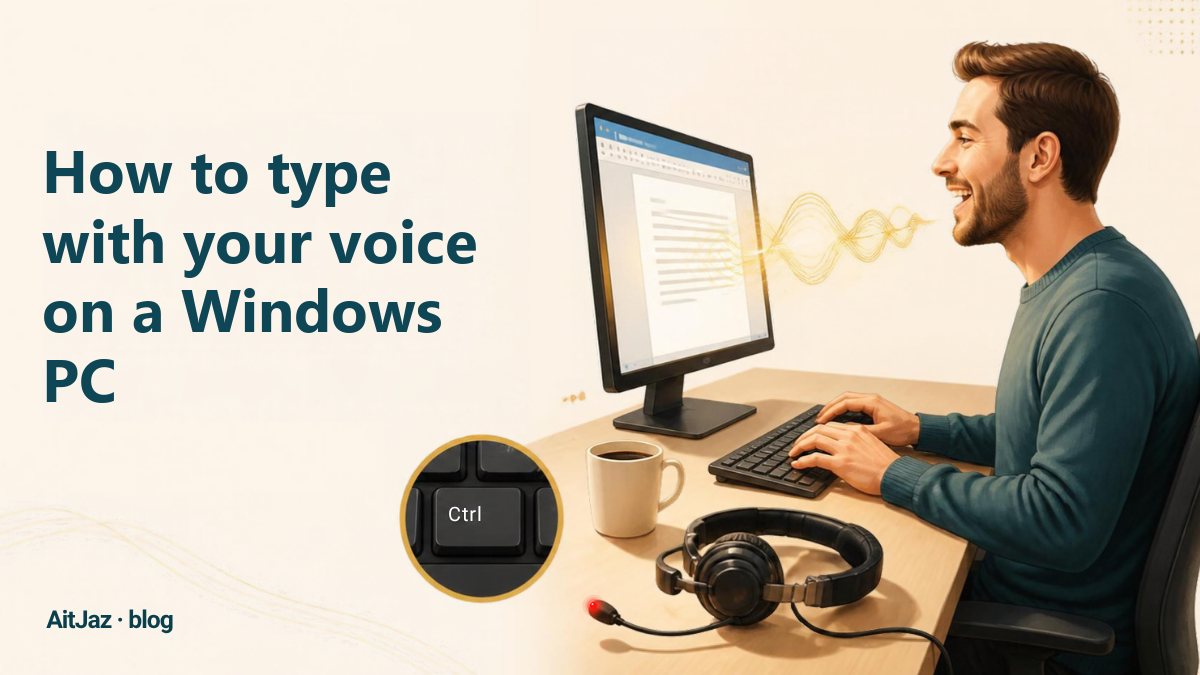
To dictate prompts to ChatGPT, Claude, DeepSeek or Gemini on a computer, you need a voice typing program that types into the chat box. With AitJaz, click the prompt field, hold Right Ctrl, say your request in your own words and let go. The text appears in the box with commas and periods. Read it through and send it. It works the same way in the browser and in the desktop apps of these assistants.
Why dictate prompts to AI assistants
The quality of an answer depends on the prompt. The more detail you give about the task (who you are, what you need, who it is for and in what form), the more accurate the answer. But long prompts are tiring to type, so people often shorten them to a couple of words and get a general, vague reply.
Speaking is easier. A detailed prompt usually takes less time to say than to type, and you can describe the task the same way you would explain it to a colleague.
How it works
AitJaz runs in the Windows tray, next to the clock, and types for you wherever the cursor is: in the ChatGPT prompt field, in Claude, DeepSeek, Gemini, or in any other program.
One key works for all of them. Hold the right Ctrl key, say your message, and let go. The text is already in the field. It comes with capital letters, commas and periods, so you usually only need to read it through before sending. By default, speech is recognized on your computer: the recording is not sent anywhere, and recognition does not need the internet. The same method works for emails, documents and messages.
Step by step: a voice prompt in ChatGPT, Claude, DeepSeek or Gemini
- Download and install AitJaz. It takes about a minute and needs no admin rights. The program appears as an icon next to the clock.
- Open the chatbot in your browser or in its Windows app.
- Click in the prompt field.
- Hold Right Ctrl and say your request. A “Listening…” hint appears near the bottom of the screen.
- Let go of the key, and the request appears in the field with capital letters and commas.
- Read it through and send it as usual.
💡 Long requests are easier to dictate in parts. Each press of Ctrl adds text where the cursor is, and AitJaz takes into account what you have already written, so it capitalizes and punctuates correctly.
How to dictate a prompt so the answer is more precise
A good prompt answers five questions. If you say them in order, the request sounds natural:
- Who should answer. “You are an experienced lawyer.” “You are a math teacher.” “You are a marketer.”
- What the task is. A letter, a lesson plan, a table, a contract review.
- Context. Who it is for, in what situation, and what is already known.
- Format. Length, tone and structure: “as a list”, “no more than one page”, “formal”.
- Limits. What to avoid, and which deadlines or conditions to take into account.
For example, you could say:
You are an experienced lawyer. Help me draft a complaint to my supplier. They delayed the delivery by two weeks and are not answering my emails. The tone should be formal, and the letter should fit on one page. At the end, add a demand for the penalty set out in our contract.
- Talk to it the way you would to a colleague. You don't need special wording. The chatbot understands ordinary speech.
- Add terms to the Dictionary. Write product names, English words and rare terms (for example, Python, Excel or API) in the Dictionary in AitJaz settings, and the program will spell them correctly.
- Refine the answer by voice too. “Make it shorter”, “add an example”, “rewrite it more simply”: each request takes a few seconds.
- Check names, numbers and dates. Read them again before sending.
Which language to dictate in
ChatGPT, Claude, DeepSeek and Gemini understand Russian and Kazakh. AitJaz recognizes 18 languages. Russian has its own dedicated model, and so do Kazakh, Uzbek and Kyrgyz. That means you can dictate a request in Kazakh, for example ChatGPT қазақша (ChatGPT in Kazakh), and ask for the answer in the same language. You choose the dictation language in AitJaz settings.
Privacy
By default, AitJaz recognizes your voice on your computer, and the recording is not sent anywhere. Cloud recognition with your own API key works only if you switch it on yourself in settings. The chatbot receives only the text of your prompt, just as if you had typed it. So the usual rule applies: do not paste passport details, passwords or clients’ personal data into prompts.
Frequently asked questions
Does AitJaz work with ChatGPT on a computer?
Yes. AitJaz types the text into any field where the cursor blinks: in ChatGPT in the browser and in the ChatGPT app for Windows.
What about Claude, DeepSeek and Gemini?
Yes, in exactly the same way. It doesn’t matter which chatbot you use: click the prompt field, hold Right Ctrl and speak.
Do I need the internet?
The chatbot itself does, but voice recognition does not. AitJaz recognizes speech on your computer without a network connection.
Can I dictate requests in Kazakh?
Yes. AitJaz has a separate model for Kazakh, and the chatbots understand Kazakh and can answer in it.
How much does it cost?
The first 7 days are free, with no card and no sign-up. After that, you pay once, with no subscription, for a license that covers 2 computers. Pricing.
One familiar tool instead of many
Every app does things its own way: a different button here, different settings there, and every time you have to remember how to turn it on and how to use it. AitJaz works one way everywhere: hold Right Ctrl, speak, let go, and the text appears where your cursor is. It's the same in messengers, email, documents, your browser and AI chats, so you only learn it once.